Suppliers and the stamp
The brand signs the declaration of conformity as the company placing the packaging on the market. The supplier who makes the packaging confirms the composition and the test reports and stamps the technical file. Pasera keeps the two roles apart and connects them with one link.
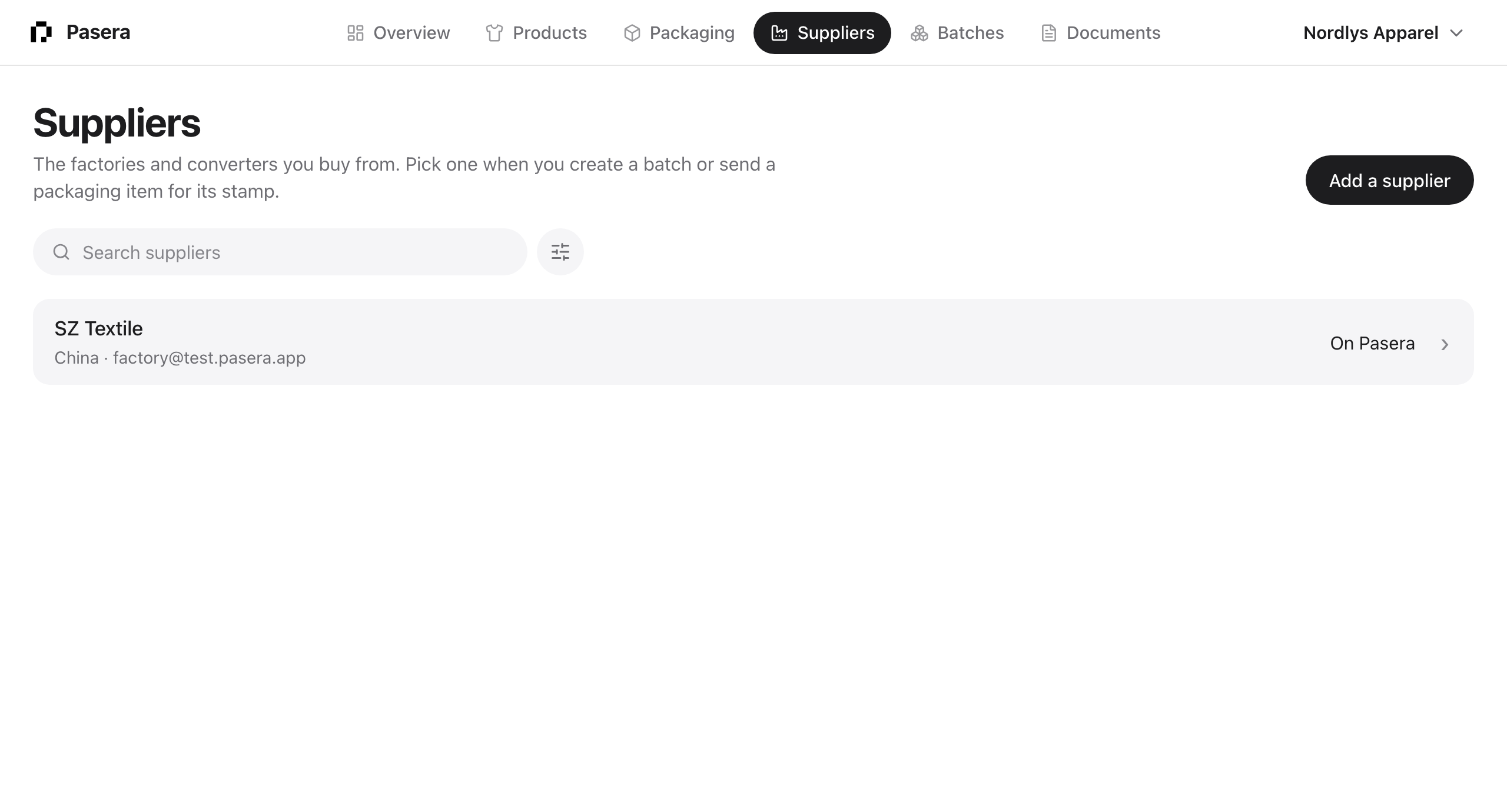
Adding a supplier
Under Suppliers, or from + New, add the factory with a name and country, and an email if you have one. With an email they are invited to Pasera; without one they can still work from the item links you send them. The list shows who is on Pasera, who is invited and who you added by hand.
The supplier link
Every packaging item carries one link. It works before the package exists: the supplier can upload the lab reports you are missing, and Pasera generates the package when the inputs are complete. The link is per item, not per person, so the supplier can forward it to the plant that actually makes the packaging.
Sending it emails the supplier in English or Chinese with a short note from you. The page they open is built for a phone: upload reports, read the declaration and the technical file, stamp with a PDF or a photo of the chopped page, or ask you for a change.
What you see
On the item’s Package step and on the Overview: Sent with the date, Opened, Change requested with their comment, Stamped with who signed. Pasera reminds a supplier every five days, up to four times, while the request is open. You can remind, copy the link, or withdraw it.
When they stamp
You get an email. The item reads Stamped, the sixth step appears, and the stamped copy sits in Documents beside the package. Several suppliers can stamp the same item; each gets their own request and their own copy, and the list reads “2 of 3 stamped”.
Uploading a stamp yourself
If the supplier sends you the stamped page by email instead, drop the file anywhere on the item’s page and choose “Stamped copy”. The item is marked stamped just the same.