Batches, shipments and lot passports
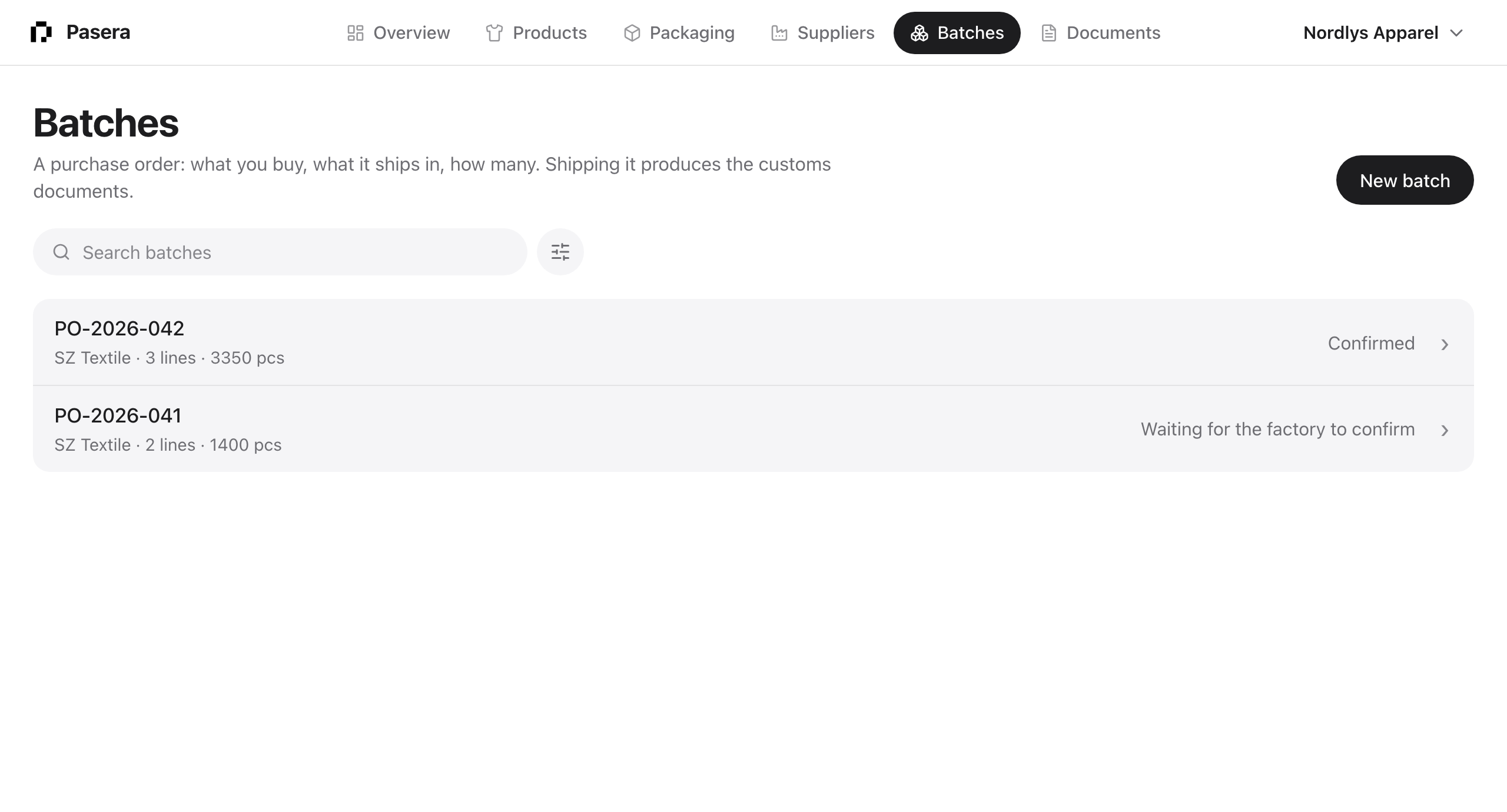
A batch is a purchase order: which products, what they ship in, how many, from which factory. Shipping it produces the customs documents. Each product line can carry a passport for that production lot.
Creating a batch
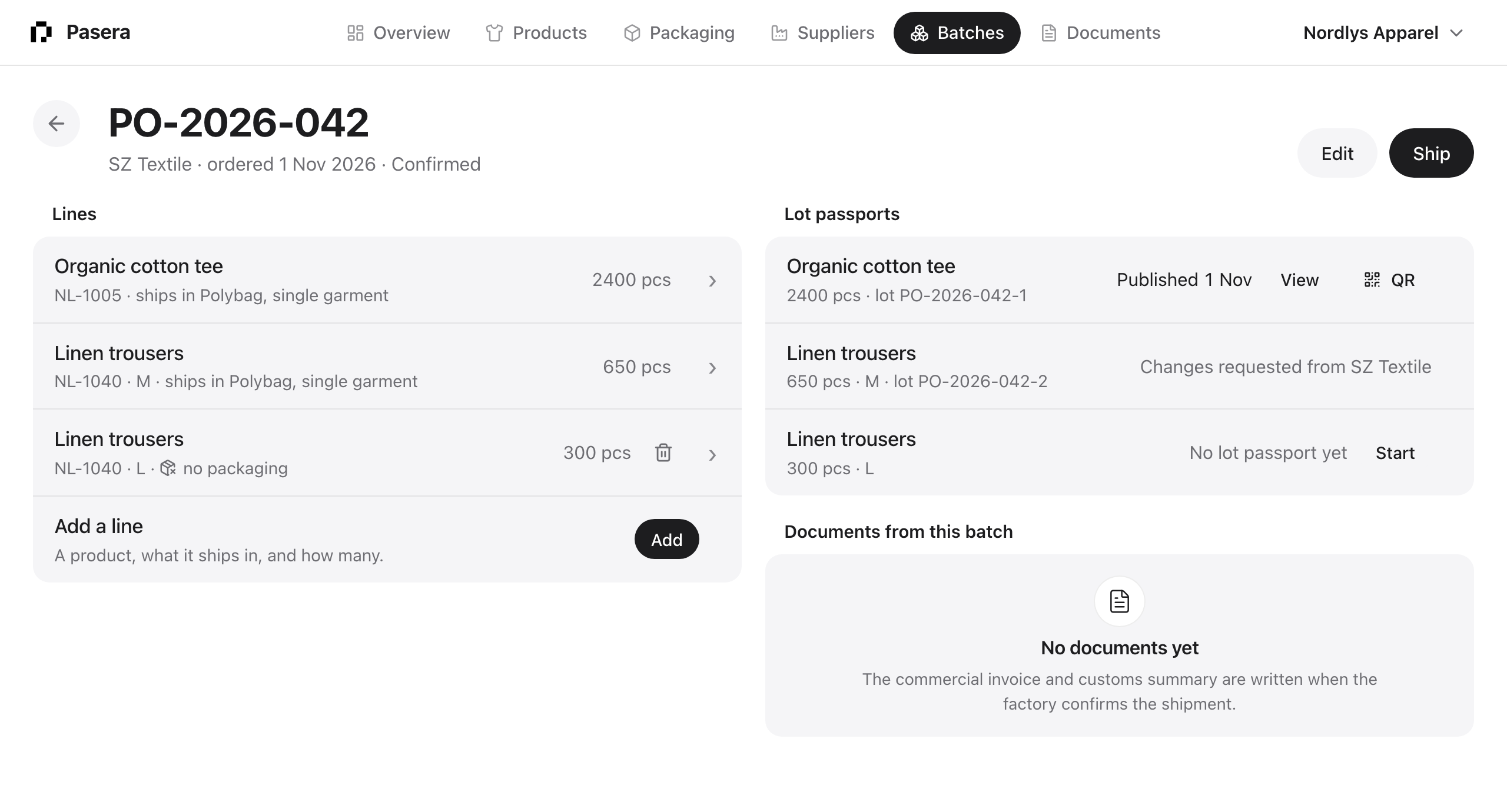
New batch needs only the purchase-order number. Add the factory and the production date when you know them. Lines come next: a product, the packaging it ships in (prefilled from the product), the quantity and an optional size. A packaging-only line is fine too. When a product ships in several packaging items, add a line for each with its own quantity, for example 1,200 cap cartons and 100 outer cartons; the line sheet names the other items. Click a line to edit it; the bin removes it.
Proposals from factories
A factory on Pasera can propose an order to you. Proposals appear at the top of Batches and on the Overview. Accepting creates the product and the batch; declining tells the factory.
Shipping
Ship creates one shipment per product line and asks the factory to confirm with the tracking number. If a line has no packaging item, Pasera asks first: the customs summary cites the PPWR package of each packaging item, so a line without one ships with no packaging declaration. When the factory confirms, the commercial invoice and customs summary are written and appear under “Documents from this batch” and in Documents.
Lot passports
With the Passports add-on on, the batch page has a “Lot passports” group with one row per product line:
- No lot passport yet → Start. Creates the production run for the lot. Needs a factory on the batch.
- Needs factory data → Ask the factory. Sends the factory a request for production data: energy, water, waste, materials used.
- Asked or Opened while the factory works.
- Data received → Publish, or Ask for changes with a note to the factory.
- Published → View, QR. The QR code’s GS1 Digital Link carries the lot number, so a scan resolves to this lot’s passport.
Filters and sort
Search by purchase order or factory. Filter by state. Sort by PO number, factory, state, production date or date created.