Products
A product is what you sell. Pasera needs it for three things: to say what each product ships in, to put it on a batch, and to give it a passport. For packaging compliance alone, products are optional.
Adding products
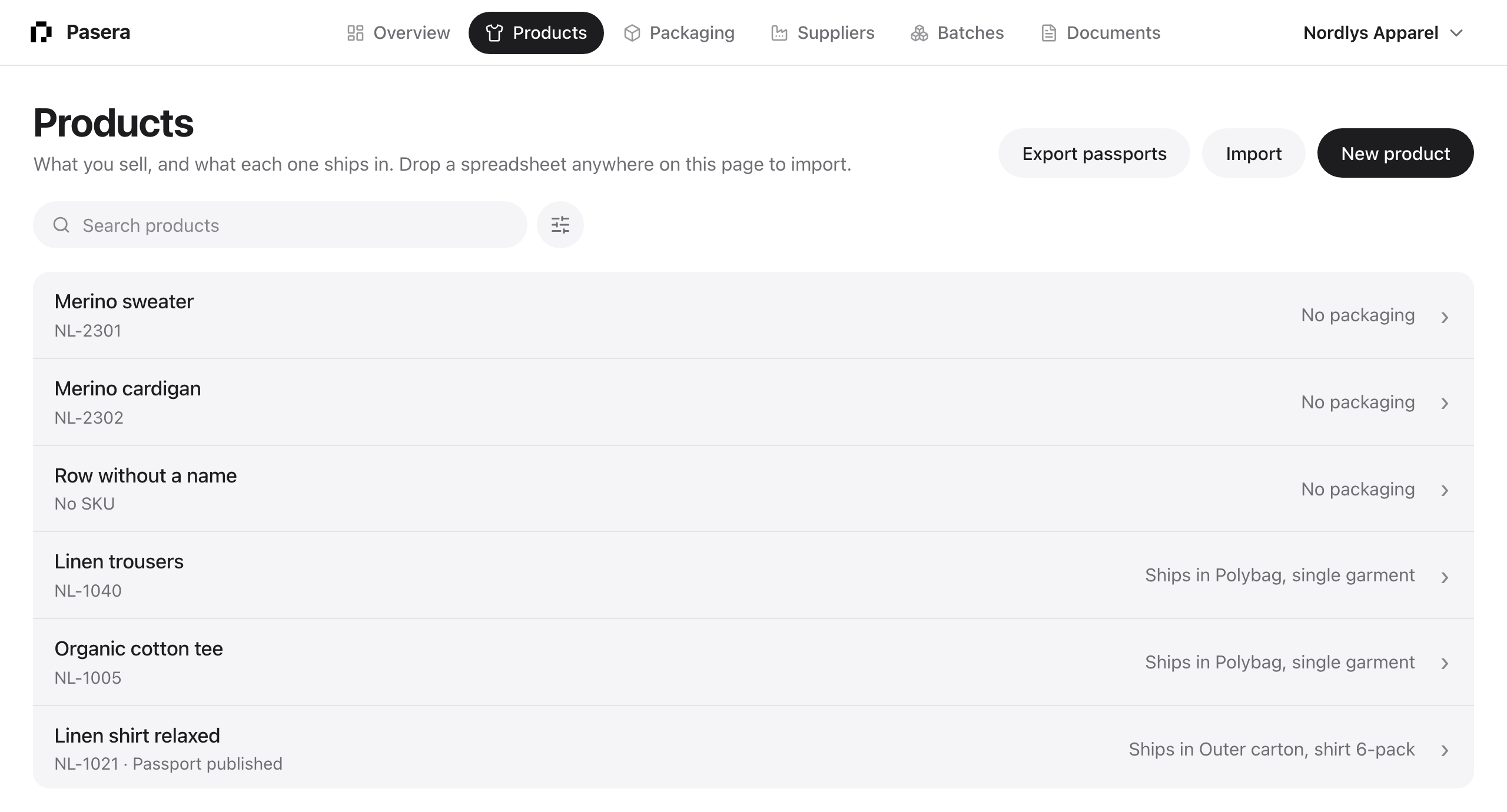
New product asks for a name and an optional SKU; suggested names appear as you type. Import takes a CSV or Excel file: map your columns to name, SKU and GTIN, see a dry run of what would be created or updated, then commit. Dropping a spreadsheet anywhere on the Products page opens the same import with the file attached.
What it ships in
A product can ship in several packaging items, for example a cap in its own carton inside a transport outer carton; each item has its own package and stamp. Link them on the product page under “Ships in” (Change opens the list, Link and Unlink per item), or from each packaging item’s Name step under “Used by”. The Products list shows “Ships in Cap carton, Transport outer carton” or “No packaging” in the right column, and the Overview lists products without packaging as one row to resolve.
Deleting a product
Owners can delete a product from its Edit sheet. Its links to packaging go; the packaging items and their documents stay. A product on a batch cannot be deleted until it is removed from the batch. Packaging items are deleted the same way, from their Name step.
The product page
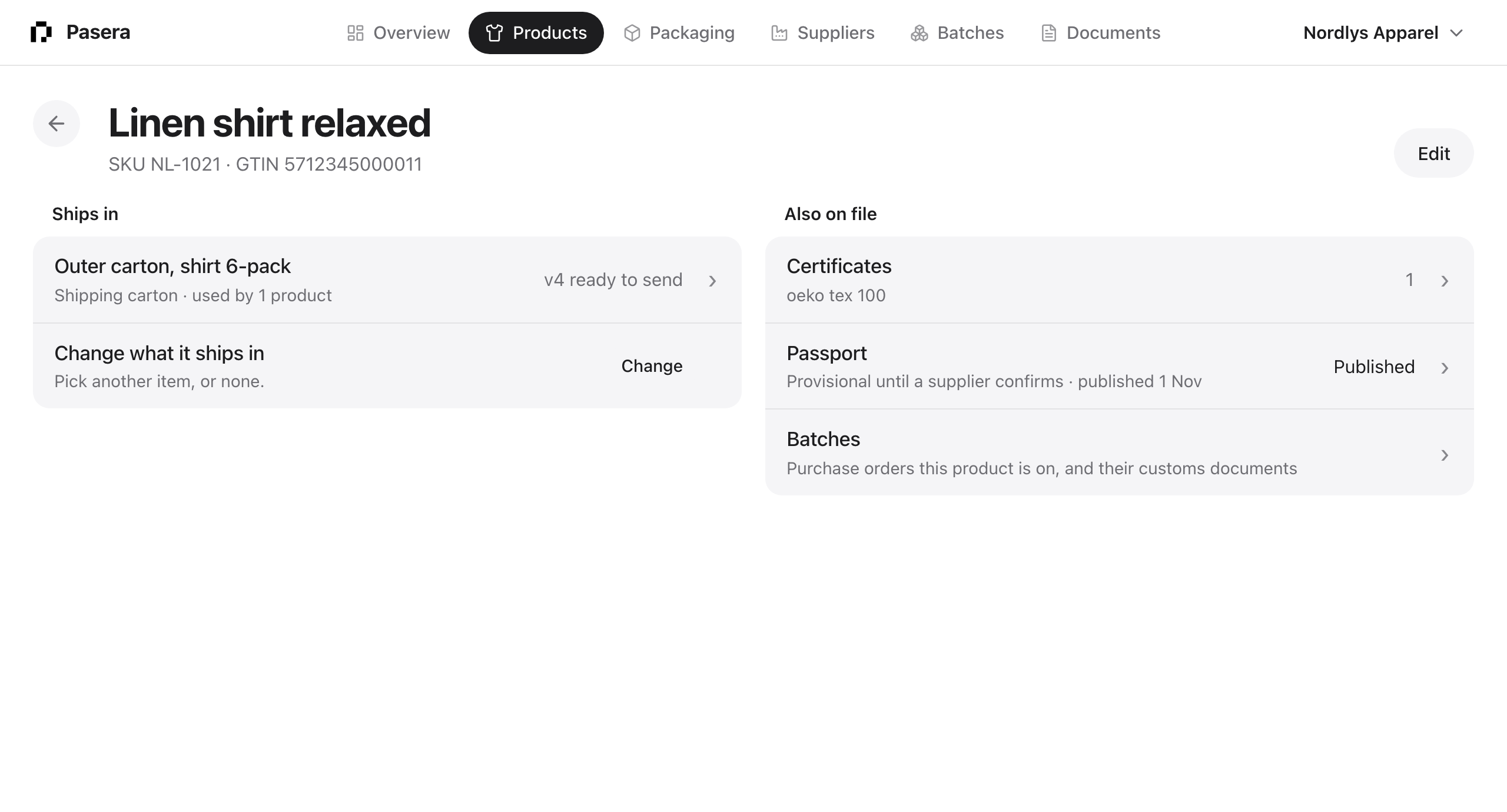
Edit the name, SKU and GTIN. “Also on file” shows the certificates attached to the product, the passport row with its state, and a link to the batches it is on.
Filters and sort
Search by name, SKU or packaging. Filter by packaging and, when the Passports add-on is on, by passport state. Sort by name, SKU, packaging, passport or date added; lists open newest first.