Pasera Docs
pasera.app ↗
  • Introduction
  • How it works
    • Overview
    • Getting started
    • The Overview page
    • Packaging items and the PPWR package
    • Suppliers and the stamp
    • Products
    • Passports
    • Batches, shipments and lot passports
    • Documents
    • Climate report
    • Company, team and your data
    • Plans, add-ons and billing
    • Working with an agency
    • Overview
    • Emission Factors
    • Data Quality
    • Circularity Scoring
  • Verification and trust
  • QR codes
    • Overview
    • Authentication
    • Products
    • Batches
    • Suppliers
    • DPPs & QR Codes
    • Webhooks
  • FAQ
  • Changelog
Docs

Make your packaging PPWR-compliant with Pasera.

Describe each carton, polybag and hangtag, attach its lab report, sign the declaration and get your supplier’s stamp. This guide walks through every screen.
Get startedCreate a free account
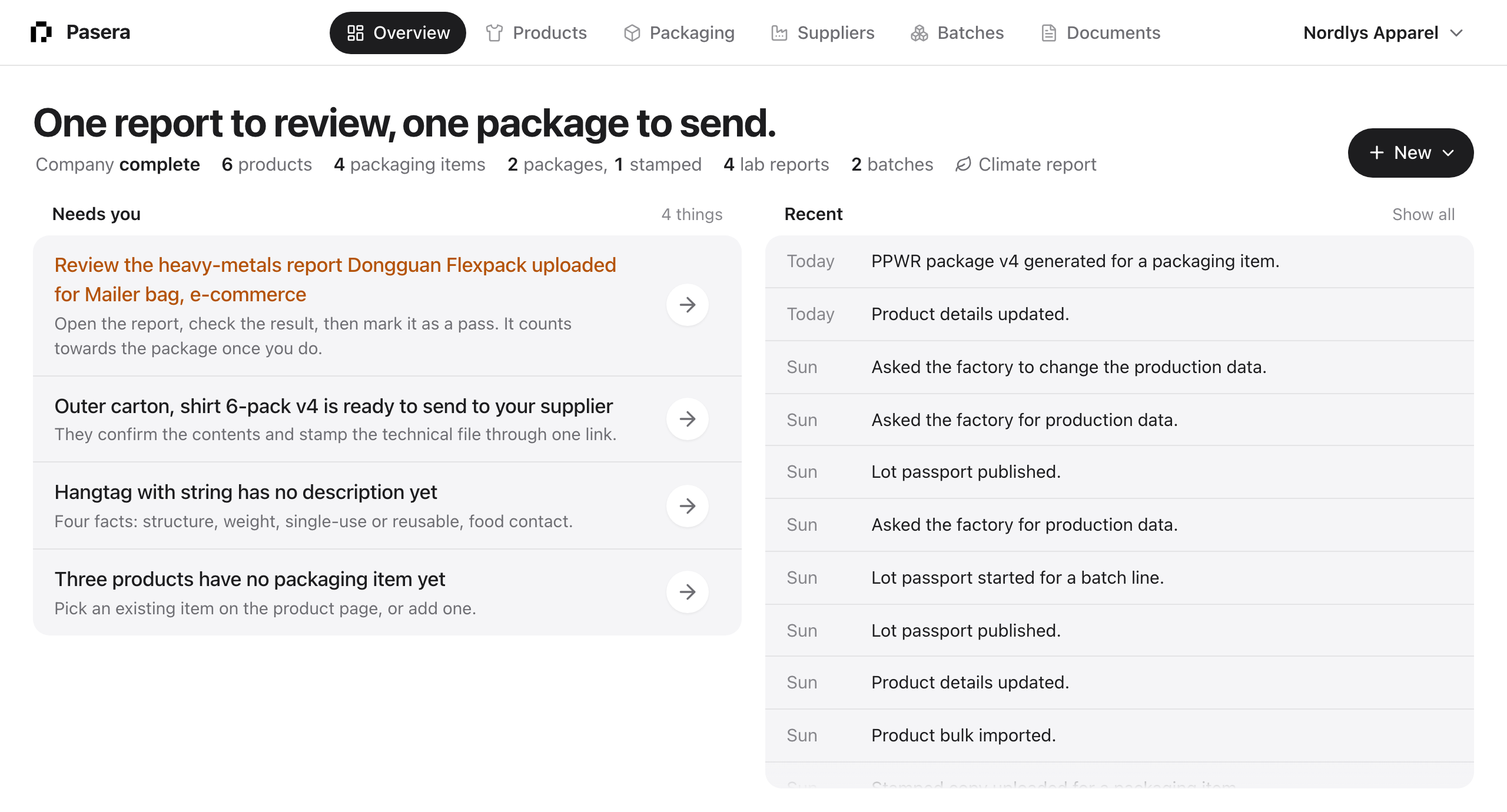
The Pasera Overview
Brand guide
Getting started
Create your account, run the guided setup and finish your first packaging item.
→
Packaging items
Six steps from a name to a stamped declaration of conformity and technical file.
→
Suppliers and the stamp
One link per item. The supplier checks the contents and stamps, with no login.
→
Plans and billing
Free for 10 items, Pro and Business, the add-ons, and what your use costs.
→
Passports
A passport on each product, with a QR code and a GS1 Digital Link.
→
Agencies
Run compliance for several brands from one login.
→
Batches and shipments →Documents →Climate report →How it works →FAQ →What’s new →

© 2026 Pasera
pasera.appTermsPrivacyhello@pasera.app